
Building the MoneyHelper benefits calculator together


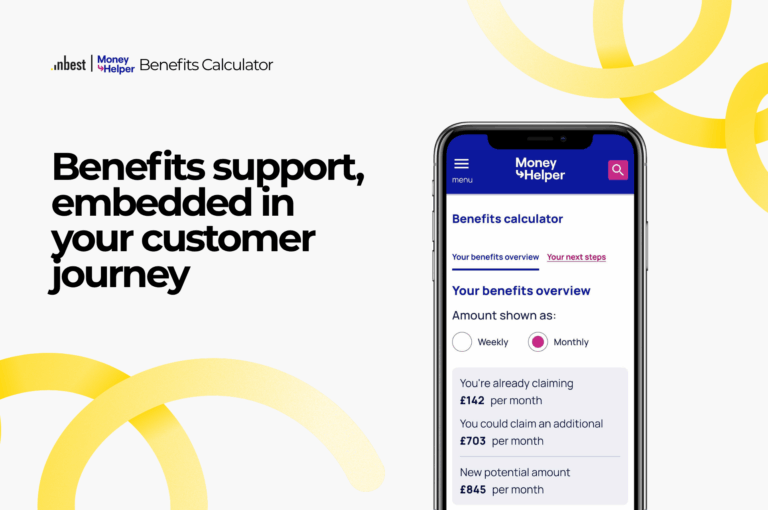
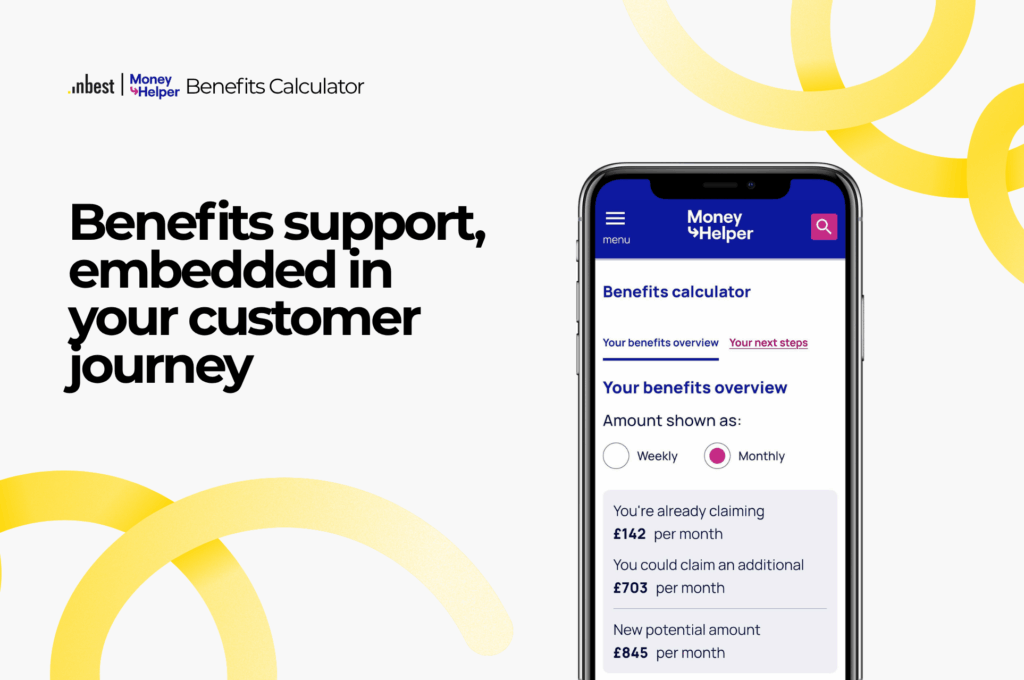
The Money and Pensions Service (MaPS) has launched a new benefits calculator on MoneyHelper. The benefits calculator sits alongside the tools, guides and content MoneyHelper offers to give people free and impartial guidance on money and pensions.
We built the MoneyHelper calculator in close collaboration with the MaPS team, and our benefits calculator powers it.
A calculator designed with the MaPS team
We take pride in designing and embedding income maximisation journeys in close collaboration with our partners, and the MoneyHelper calculator is one of the best examples of that collaboration. The MaPS team worked with us on four areas.
Focus groups. We tested the calculator with the people it is for, including users on low incomes and users with access needs, and let what they told us set the priorities for the redesign.
The user experience. We redesigned the calculator to be easier to navigate and fully aligned with the GOV.UK Design System, the patterns people already know from government services. It meets the WCAG 2.2 accessibility guidelines and works natively in English and Welsh.
The copy. MaPS’ content team reviewed every question, explanation and result with us, in both languages. Someone with no knowledge of the benefits system can answer the questions and understand what comes back.
The action plan and next steps. We designed the results page together. The plan leads with the benefits a person still has to claim, and personalised guides explain how to apply, what to expect and where to find further support. MaPS curated the content in those guides with us.
Benefits inside the guidance people already use
Managing money involves many things at once: everyday costs, housing, debts, and what happens when circumstances change. Applying for the benefits and discounts you are entitled to is part of it. Someone working through their budget on MoneyHelper can check their benefits on the same site, with the same guidance around them, and carry on with the rest.
That matters because of who the calculator reaches. The people who complete it are eligible for an average of 10 benefits, grants and discounts, and most of them did not know, assumed they would not qualify, or gave up on the paperwork. A benefits check built into the app or website they already use finds them at the point where they are managing their money.
There are four ways an organisation can benefit from it.
Financial resilience. Our calculator identifies an average of £4,000 a year in extra income for the people who use it. Income that arrives before the arrears do prevents financial hardship, and it is one of the most cost-effective ways an organisation can build its customers’ financial resilience.
Customer engagement. A benefits check is a feature people use and come back to, since circumstances and awards change and the plan is there to update. And because it lives inside the organisation’s own journey, it can identify the customers likely to be eligible from the data the organisation already holds, nudge them in the app or by message, remind them to apply, and tell them when rates change or seasonal support opens.
Consumer Duty. For a regulated firm, an income maximisation feature is a concrete way to show it meets the expectation to support customers in financial difficulty. The UK Financial Inclusion Strategy names integrating these tools into existing journeys as a financial inclusion initiative.
Richer customer data. Every completed check tells the organisation more about its customers’ circumstances and the support they need.
That is how we build every integration: embedding income maximisation in existing customer journeys. On MoneyHelper the journey is money guidance. For our other clients it is a loan application, a debt advice session or a banking app.
From a few questions to a plan
The MoneyHelper calculator takes a person from a first estimate to a plan they can act on, in one journey. Five steps:
- A quick estimate. A few questions about the household, income and housing give an early view of what someone could be entitled to.
- The full assessment. The questions adapt as the person answers, so they only see the ones relevant to their circumstances.
- Benefits already in payment. Before the results, the calculator checks what the person already receives, which shapes their plan.
- The action plan. The support they already get, how much more they could claim, and what that adds up to.
- Personalised guides. How to apply for each benefit, what to expect, and where to find further support.
The video walks through the whole journey in a minute.
Get in touch
If you want to embed a benefits calculator in your own customer journeys, get in touch and we will show you how it works.